
Customising Tickets to Your Event
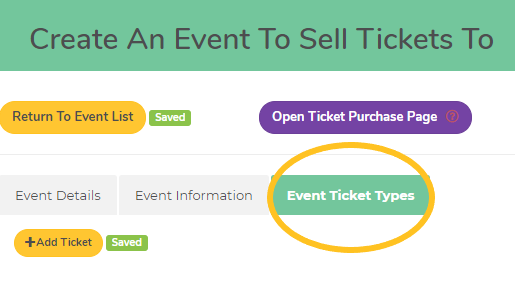
Event Ticket Types Tab
Setting up tickets is an essential part of hosting an event!
This is the final step you need to complete before getting ticket sales – setting up the types of tickets you want to sell on the EVENT TICKET TYPES tab.
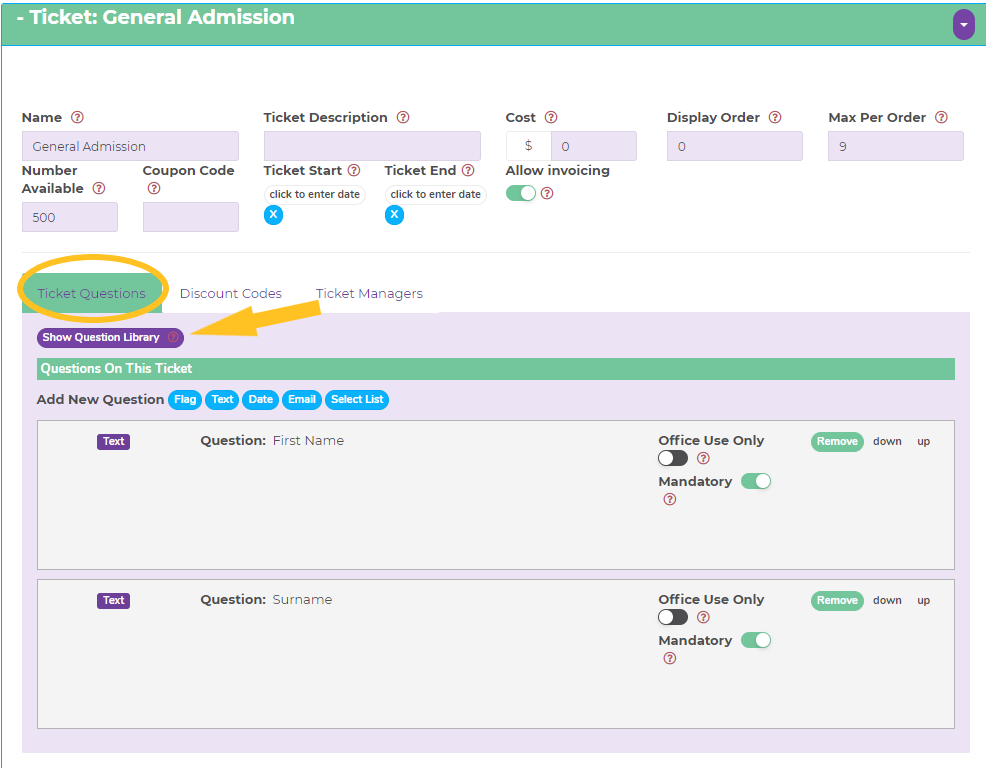
The first tab – TICKET QUESTIONS
In the top section carefully work your way through each box. You can hover over the red question marks for more details about what is required in each box. The more accurate you get this part, the more issues you avoid later.
The second part of the process is adding the questions you want to ask your attendees. The default setting is first name and surname – these are the minimum fields you will need for your tickets.
To add more questions, first check out what’s available by clicking the purple ‘Show Question Library’ button. We have added a whole lot of options that you can choose from to help make the process easier for you. If there is information specific to your event that is not shown, you can add any type of new question from the blue buttons shown and type in the details you want to know – the possibilities are endless!
For each question, be clear about whether it’s information you need to know or would simply be helpful. You can make any question mandatory (must be answered by every attendee) or not (attendees only answer if they want to or if the question is relevant to them).
To get the most out of all the options available, you can read more about how to use all the question types here.
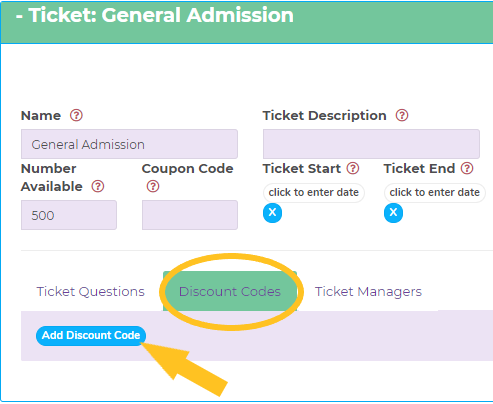
The second tab – DISCOUNT CODES
If you intend to offer discounted tickets for your event, for example, a family discount, team discount or VIP discount, this is where you create those.
Click the blue ‘Add Discount Code’ button to get started then work your way through be boxes that follow. You can create as many discount codes as you like! For more about the difference between discount codes and coupon codes read more here.
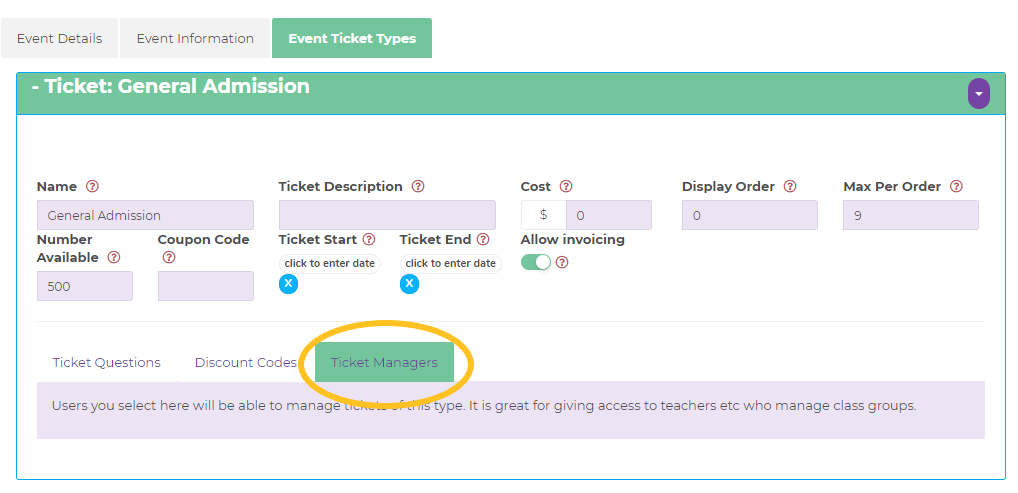
The third tab – TICKET MANAGERS
This is the final piece of the puzzle for those who are looking for the ultimate experience in functionality. To allocate Ticket Manager status to someone they must have created an account and be attached to your Organisation. You will then see their name here with a toggle bar. If you give someone Ticket Manager access to your ticket they will be able to make edits to the ticket/s nominated, perform the ‘Check In’ function at your event under their own login and manage attendee details in the system.
Note: in order to check people in at your event, you will need to have allocated at least one ticket manager.
Has this answered your question? If not, head back to the Help Centre, jump on the chat, or send us an email at support@tickets.org.au.